A Recipe for Perfect Restaurant Networks
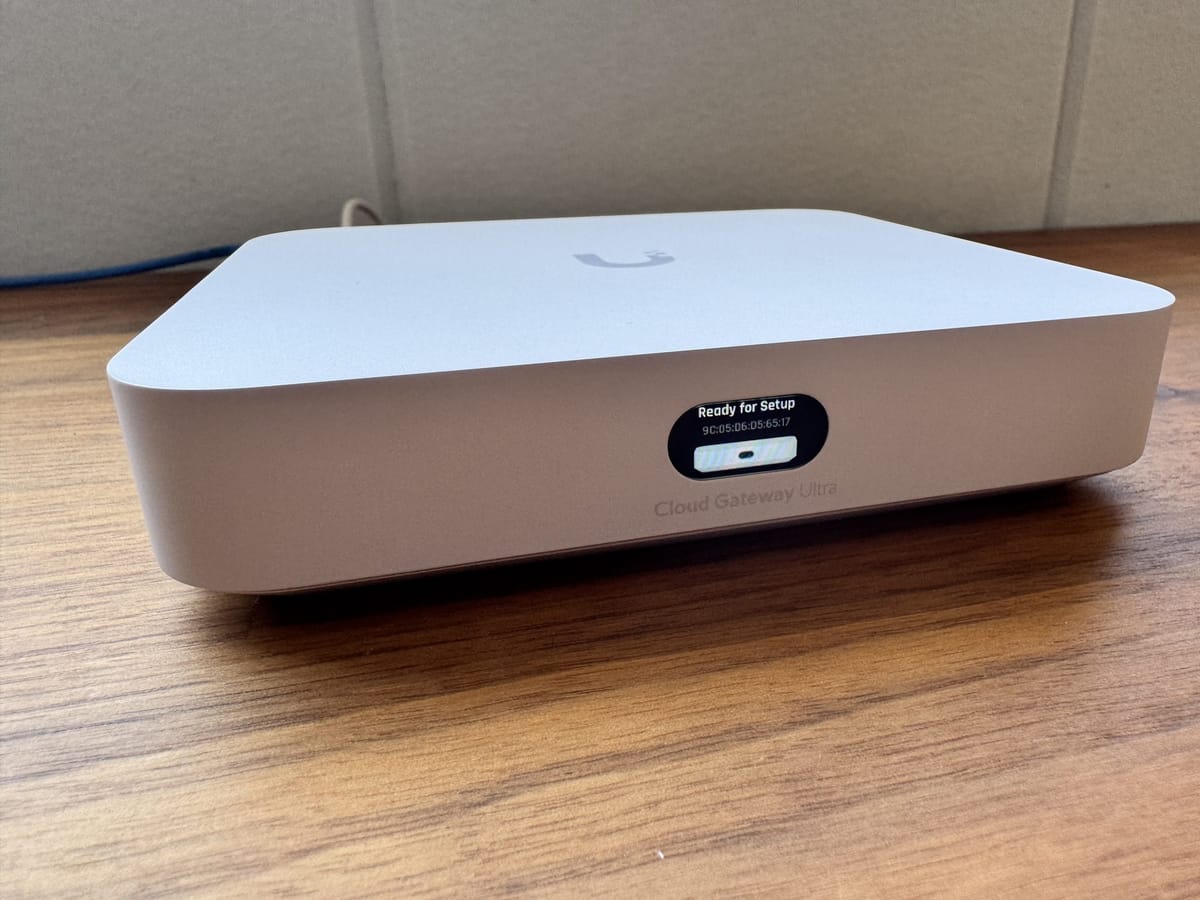
Setting up a network for a restaurant can be tricky, especially when you need reliable Wi-Fi for guests and secure connectivity for Point-of-Sale (POS) systems. That’s where the UniFi Cloud Gateway Ultra comes in handy—offering a compact, powerful solution that’s easy to manage.
This restaurant needed something reliable, but without the complexity of a full-blown rack-mounted system. The UCG Ultra is perfect for smaller setups where space is tight, and I wanted something that’s straightforward to manage. Easy to manage for me and for the restaurant owner.
Unboxing the UniFi Cloud Gateway Ultra
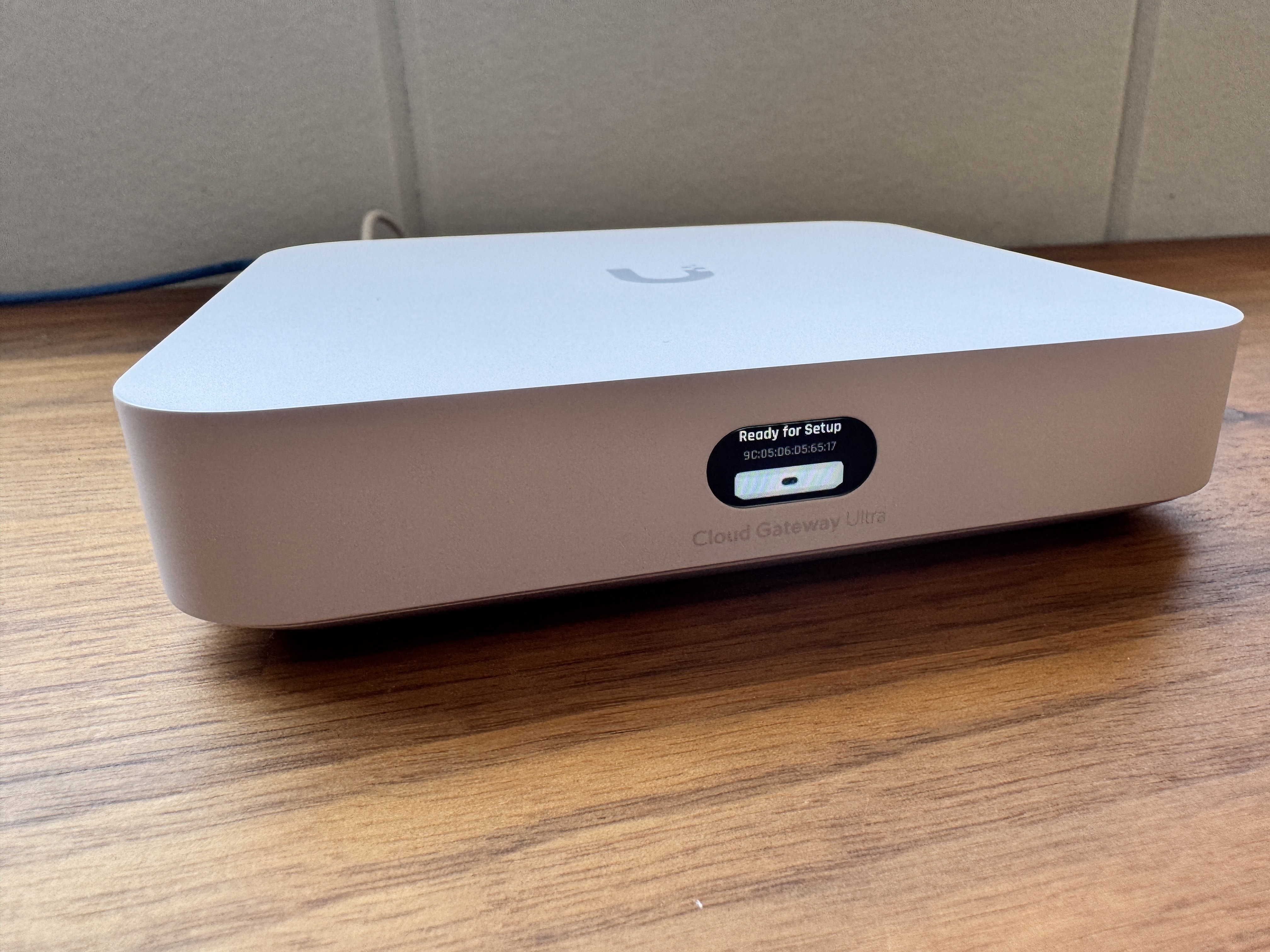
The UCG Ultra is tiny. It’s powered by USB-C and comes with everything you need to get started right out of the box.
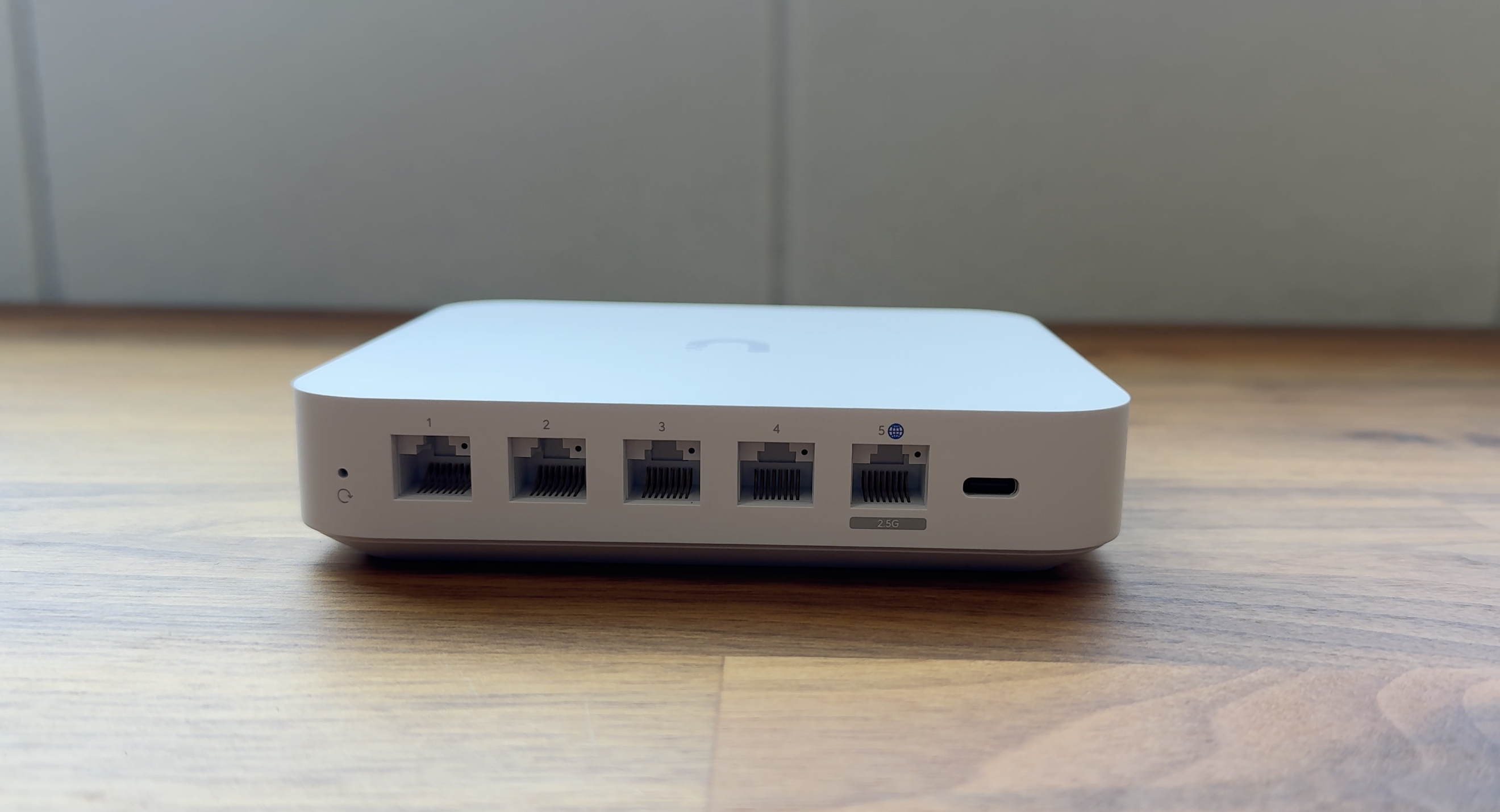
Despite its small size, the UCG Ultra packs a punch. It’s got a quad-core ARM processor, 3 GB of memory, and 16 GB of storage. It has four 1 Gbps Ethernet ports and a WAN port that supports up to 2.5 Gbps. The IDS/IPS feature caps out at 1 Gbps, but that’s still plenty for most small businesses.
Easy Setup
One of the best things about the UCG Ultra is how easy it is to set up. Just use the UniFi mobile app to connect via Bluetooth, and you’re good to go. Once it’s up and running, you can manage everything from the UniFi dashboard—no need to deal with complicated interfaces.
Key Features
- Redundant WAN Failover and Load Balancing: Keeps your internet running smoothly, even if one connection fails. Important for selling food at a restaurant!
- AP Management: Easily manage multiple access points through the same interface.
- Security: Includes basic firewall features with IDS and IPS to keep your network safe.
For this restaurant, the UniFi Cloud Gateway Ultra was the right choice. It’s compact, easy to manage, and does everything they need without breaking the bank. If you’re looking for a simple, effective way to manage a small business network, the UCG Ultra is worth considering.