PoE Power Play
With Wi-Fi 6E access points hungry for more power, it’s important to understand different Power over Ethernet (PoE) standards. PoE standards define how electrical power can be transmitted over Ethernet cables along with data. The primary PoE standards are IEEE 802.3af, IEEE 802.3at, and IEEE 802.3bt.
Part of upgrading network switches is identifying the type of PoE requirements for the various devices connected. Many devices get their power using an Ethernet cable such as VoIP phones, cameras, access points, card readers, and more.
| PoE Standard | Power | Supported Devices | Ethernet Cable Required |
|---|---|---|---|
| 802.3af (PoE) | Up to 15.4W | IP cameras, VoIP phones | Cat5e or higher |
| 802.3at (PoE+) | Up to 30W | Point of Sale systems, access points | Cat5e or higher |
| 802.3bt (PoE++) | Type 3: Up to 60W | High-power devices, access points | Cat6a or higher |
| Type 4: Up to 100W |
PoE comparison
- IEEE 802.3af (PoE):
- Power Delivery: Up to 15.4 watts.
- Devices Supported: Suitable for low-power devices like IP cameras and VoIP phones.
- Ethernet Cable: Uses Cat5e or higher.
- IEEE 802.3at (PoE+):
- Power Delivery: Up to 30 watts.
- Devices Supported: Supports higher-power devices such as video conferencing equipment and wireless access points.
- Ethernet Cable: Requires Cat5e or higher.
- IEEE 802.3bt (PoE++):
- Power Delivery: Divided into Type 3 (up to 60 watts) and Type 4 (up to 100 watts).
- Devices Supported: Designed for high-power devices like pan-tilt-zoom cameras and thin clients.
- Ethernet Cable: Requires Cat6a.
Choose a PoE standard based on the power requirements of your devices and the capabilities of your network infrastructure. Come up with the PoE budget and select a switch that will be sufficient.
A device requesting PoE from a network switch will fall into a device class. There are different device classes per PoE standard which you can get from the following table:
| PoE Standard | Class 0 | Class 1 | Class 2 | Class 3 | Class 4 | Class 5 | Class 6 | Class 7 | Class 8 |
|---|---|---|---|---|---|---|---|---|---|
| 802.3af | ✅ | ✅ | ✅ | ✅ | ❌ | ❌ | ❌ | ❌ | ❌ |
| 802.3at | ✅ | ✅ | ✅ | ✅ | ✅ | ❌ | ❌ | ❌ | ❌ |
| 802.3bt | ✅ | ✅ | ✅ | ✅ | ✅ | ✅ | ✅ | ✅ | ✅ |
Device class comparison
What about UPOE?
Universal PoE is a Cisco proprietary technology. It would be nice if they just referred to the standards-based PoE to make things simple. UPOE is slightly different from the standard, especially in how power is provided using twisted pairs within the Ethernet cable.
Some key things to note:
- UPOE provides up to 60W, requiring Cat5e
- UPOE+ provides up to 90W, requiring Cat6a
How to verify PoE in the field
If you know the switch model you’re connecting to, you can look up the data sheet to identify the PoE capabilities.
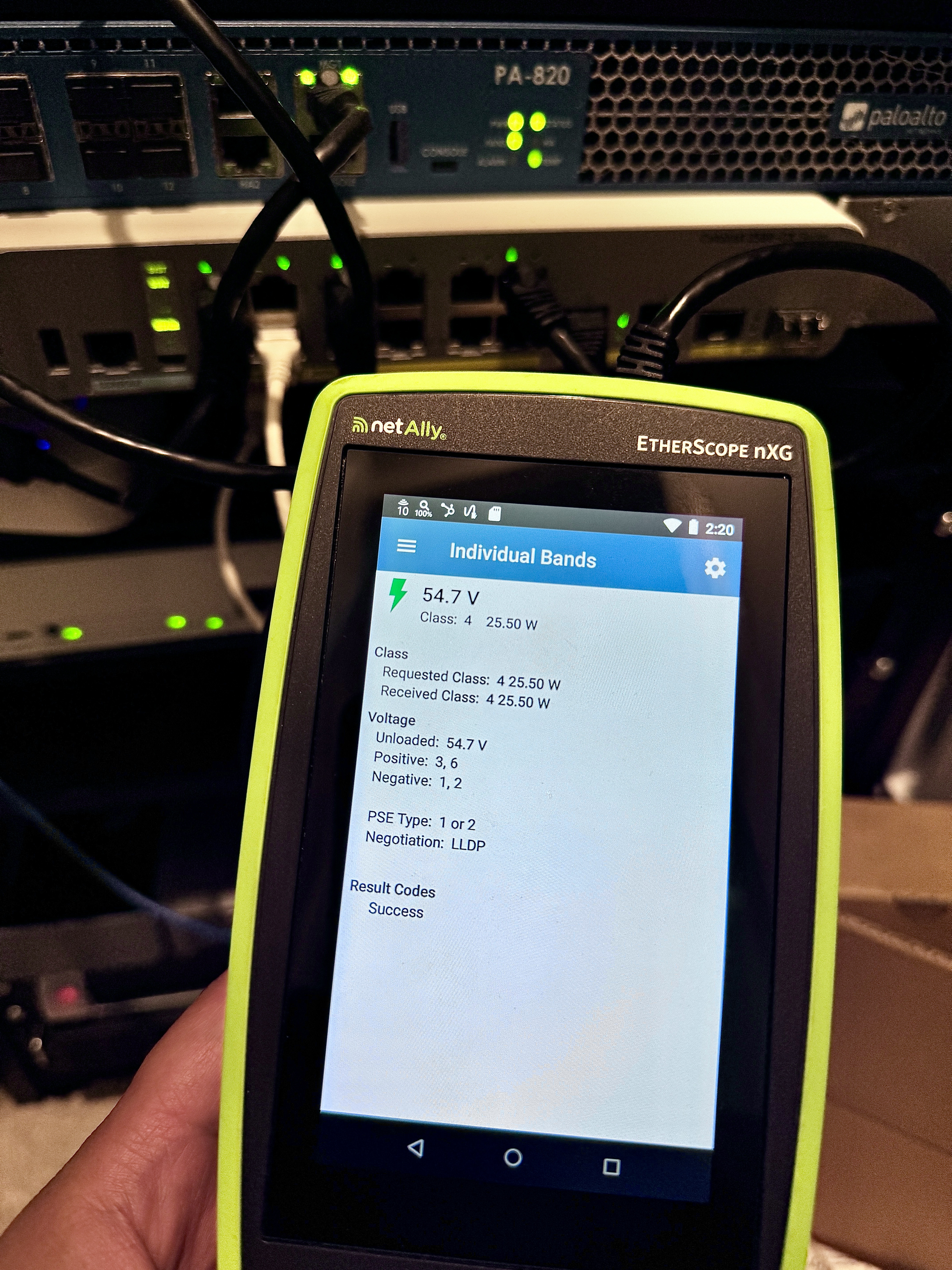
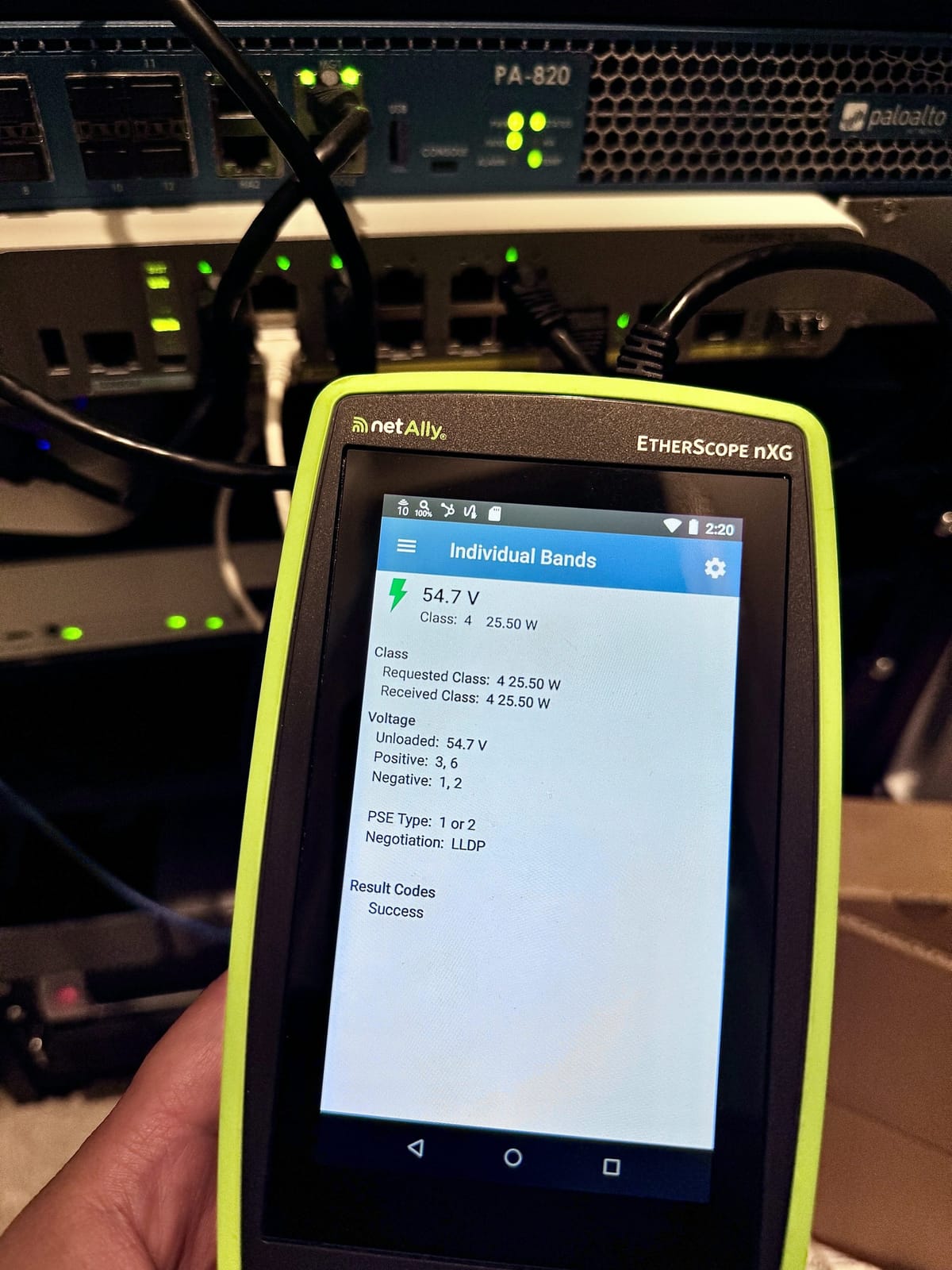
Without the model of the switch, you’ll need to use some PoE tools to test which PoE standard the switch is capable of providing. For example, you could use a NetAlly EtherScope nXG to test PoE.
With the EtherScope’s wired test profile, we can specify which device class to test. If we wanted to find out if the switch supported UPOE, we could select that and connect the EtherScope to the port and see if the requested power was successful.